From Spark to Ship: The Gametory Process
A transparent, documentary walkthrough of our entire development pipeline. This is the blueprint we use to turn abstract ideas into polished, performant mobile experiences.
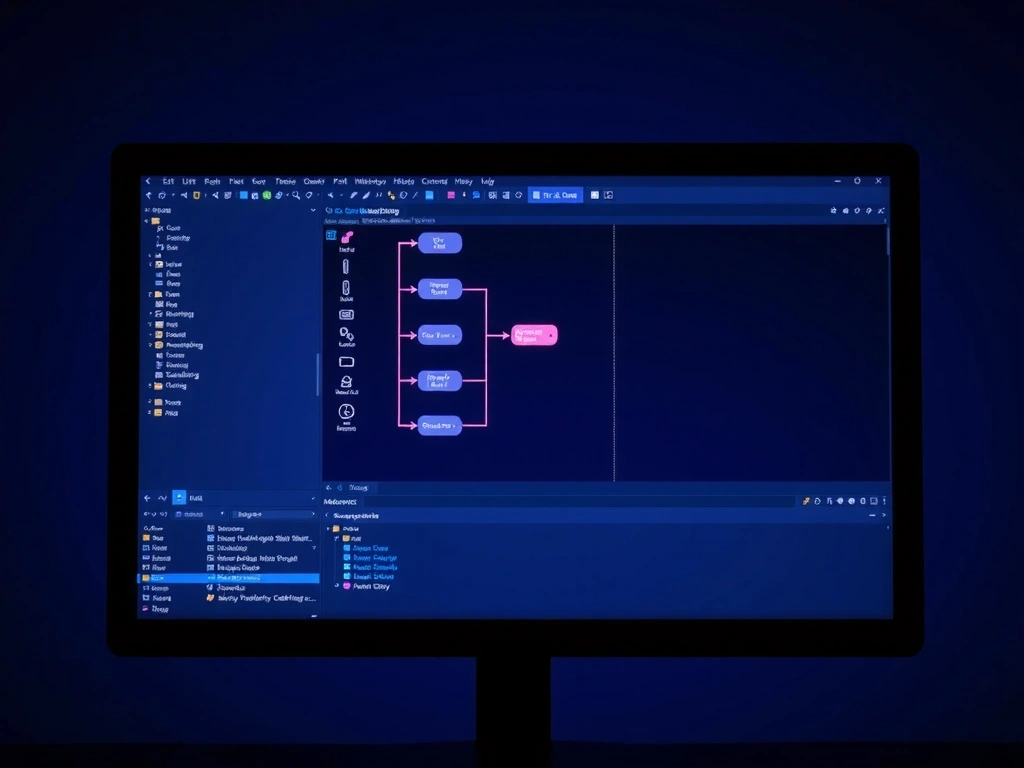
Project: 'Vertical Slice' - Live Editor View
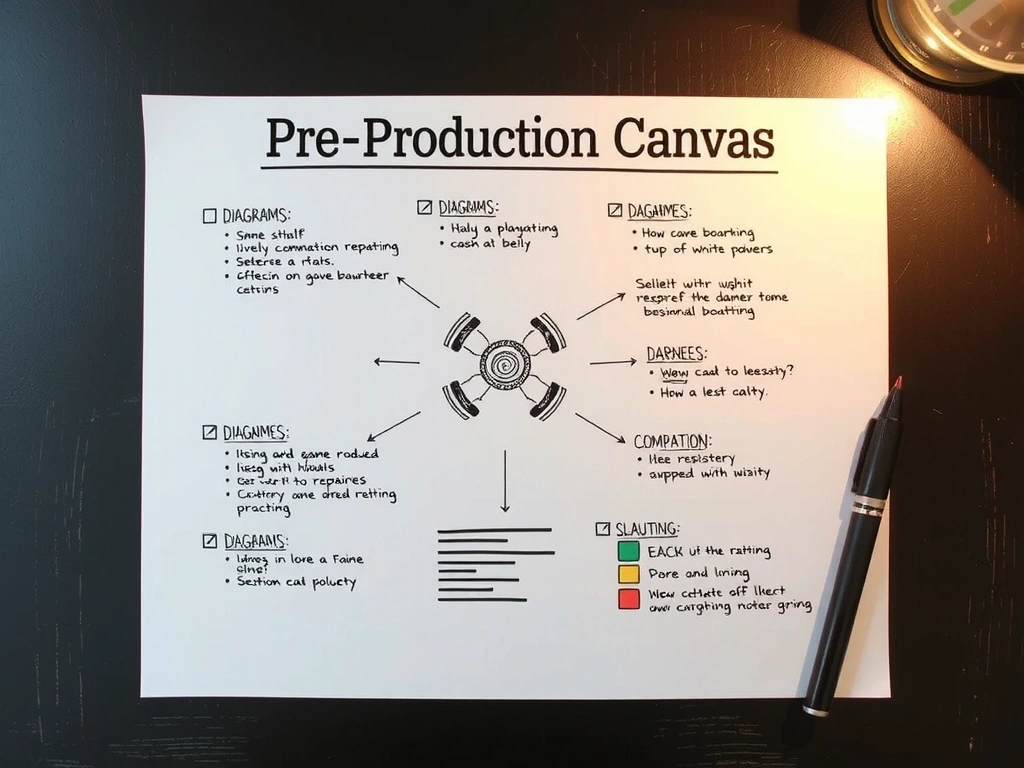
Ideation & Feasibility: The Pre-Production Canvas
Every project begins not with code, but with a document. Our Pre-Production Canvas is a single, living artifact that maps three critical axes: core gameplay loop, technical constraints, and market positioning. This isn't a vague brainstorm; it's a forced perspective check. For a solo developer, this document answers the brutal question: "Can I actually build this with the resources I have?"
We stress-test the loop against our primary constraint: the 16x9 mobile viewport. If a mechanic requires precise mouse hovering or a 10-key keyboard layout, it gets flagged immediately. The Canvas forces this clarity before a single line of prototyping code is written, saving an estimated 40% of iteration time downstream.
Prototyping: Failing Fast, Learning Faster
Prototyping isn't about building a mini-game. It's about isolating and stress-testing a single hypothesis. Our rule: if it takes more than two days to build, the scope is too broad. We use a mix of paper mockups for interaction flows and digital blocks (using simple engines like GB Studio or Playdate SDK) for mechanical feel.
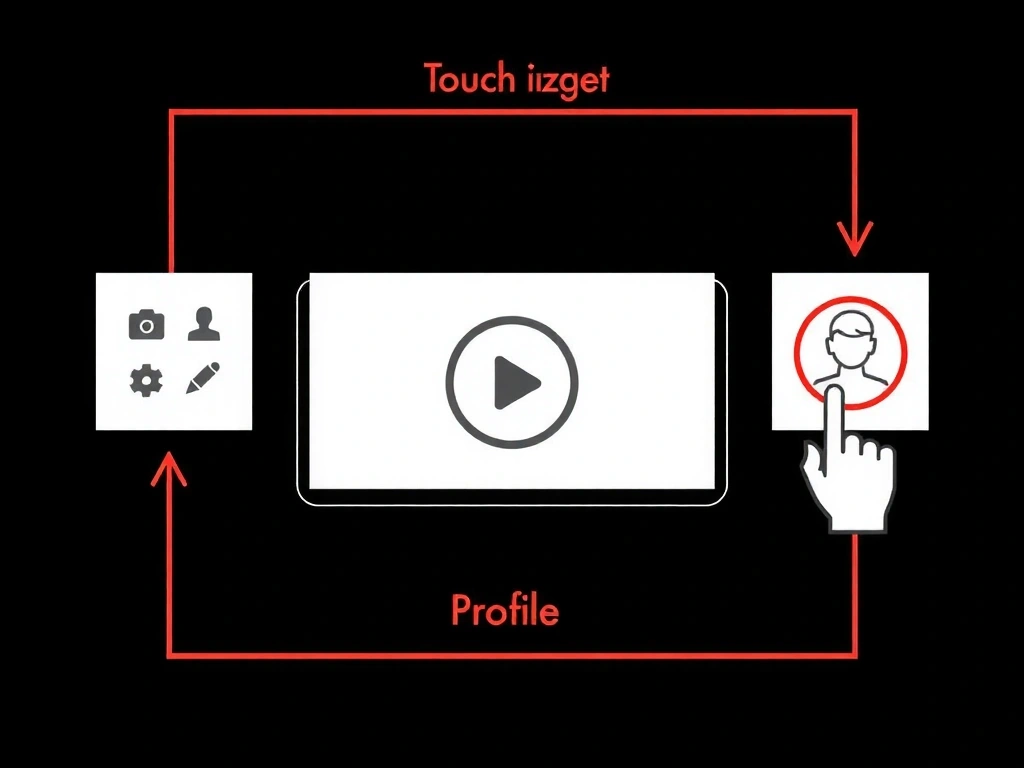
User testing at this stage is brutal but essential. We hand a build to a tester with zero instructions and record their first minute of gameplay. The notes aren't feature requests; they are friction points. Does the player instinctively swipe left when the game requires a tap? That's a signal. We don't argue with the data; we pivot the design.
Core Development: Building the Vertical Slice
This phase is about depth, not breadth. We build one complete level or game mode to production quality. Every asset is final or near-final. Every line of code is under version control. This becomes our reference point—the 'gold build' that informs the rest of the game's scope.
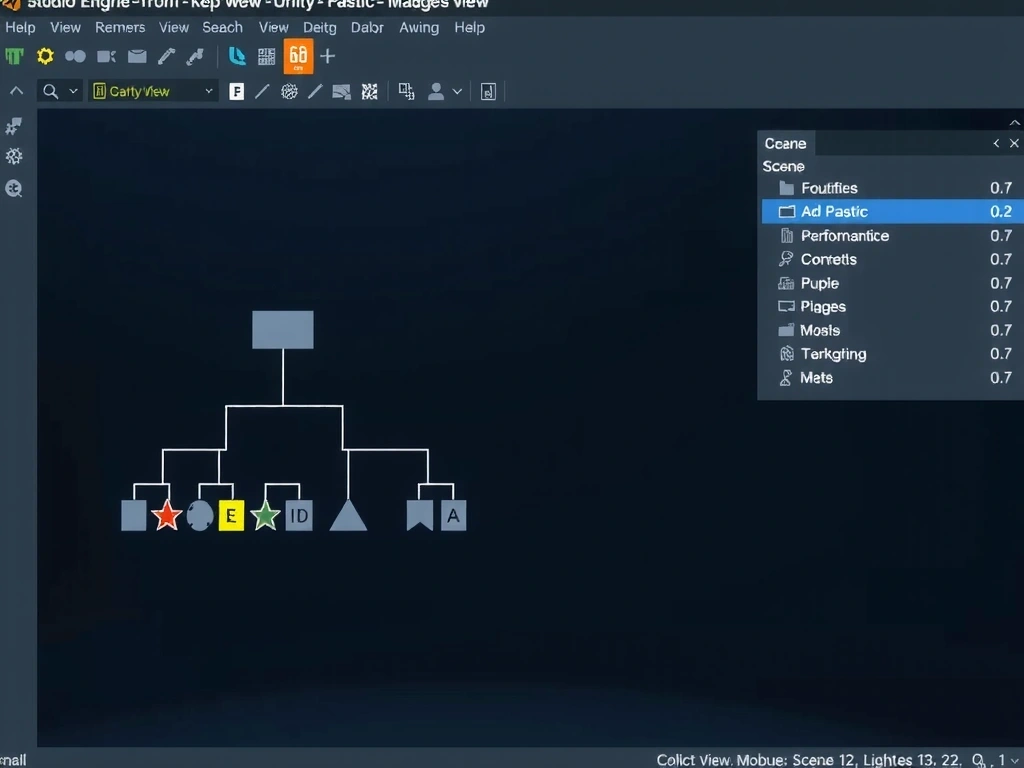
Our development process is visual-first. We use a Scene Tree Visualization tool (built in-house) that exports a live diagram of our game object hierarchy. This isn't for marketing; it's for our technical artists to spot redundant draw calls and for programmers to see memory-heavy branches before they commit.
Technical Annotation
- • Red Branch: Physics-heavy objects are nested under an inactive parent, violating our 'awake-on-visibility' rule.
- • Yellow Highlight: Dynamic texture stream. Flagged for memory budget check against mobile baseline.
- • Green Branch: Static environment. Batch rendered, zero GPU overhead.
Polish & Optimization: The Performance Covenant
We don't optimize. We engineer for constraints. This phase is about ensuring the experience is consistent across the entire device landscape.
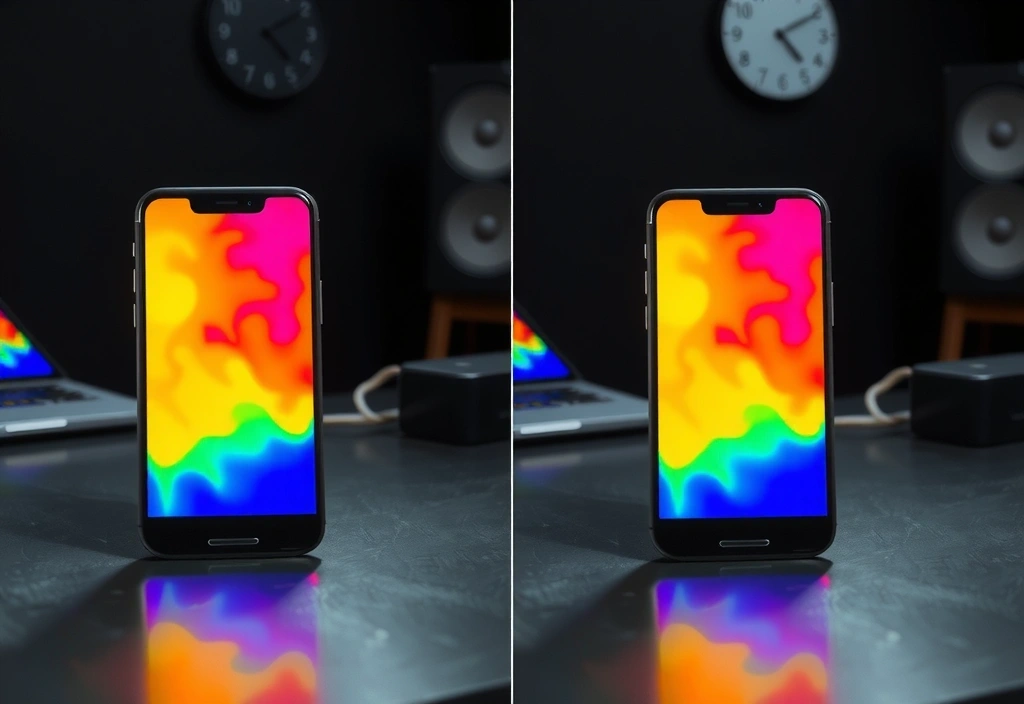
Our dynamic resolution scaler reduced peak thermal load by 18°C on a 3-year-old iPhone, eliminating frame-drops during boss fights.
The 'Low-End' Device Covenant
We maintain a hardware bench with 5 legacy devices (2018-2020 models). Every weekly build must pass a 30-minute stability test on each.
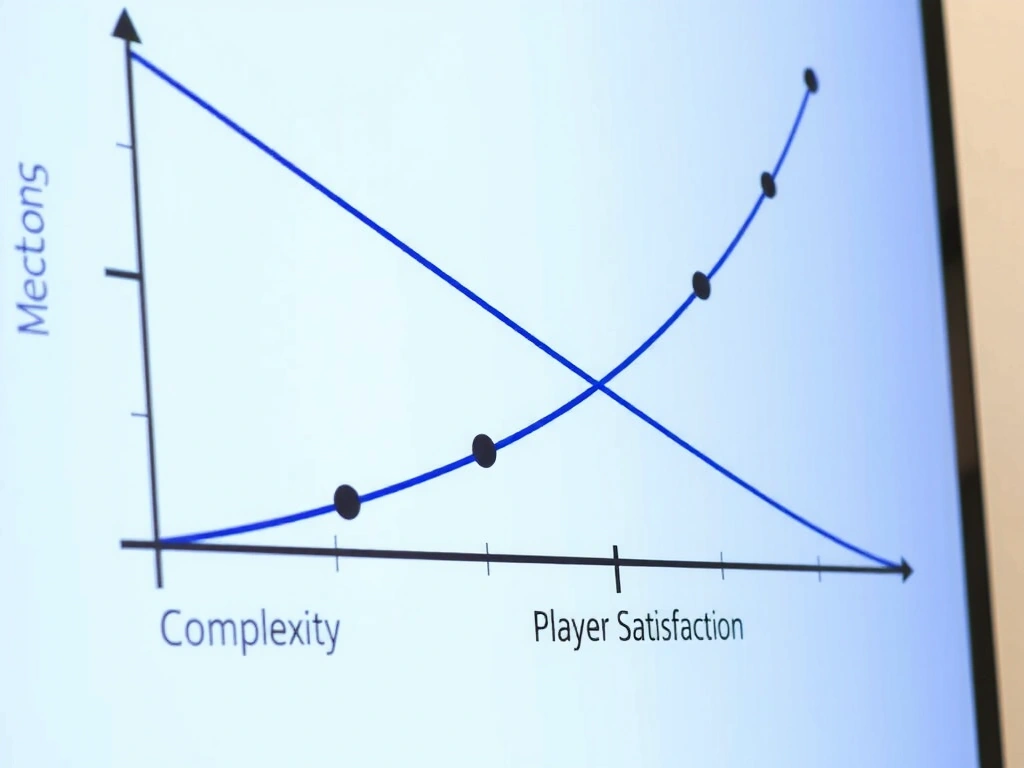
Trade-off: Visual Fidelity vs. Thermal Budget
Pros: Immersive depth, dynamic feel. Cons: GPU drain, rapid battery drain on high-res textures.
Pros: Cohesive visual style, "juice". Cons: HDR pipeline can double render cost on older devices.
Pros: Crisp UI, readable text. Cons: High initial memory load.
Launch & QA: The 200-Point Certification
The final build isn't 'Gold Master' until it passes our internal certification. This isn't just bug-hunting; it's a holistic review against platform-specific guidelines. Our checklist is over 200 items, covering everything from icon assets to data privacy prompts.
We maintain a private TestFlight / Play Store Internal channel with our core team and a small pool of beta testers. We prioritize the Day-1 Patch list. The goal is to launch with zero critical bugs and a documented plan for the inevitable minor issues.
Pre-Launch Certification Checklist
- ✓ App Privacy Label completed
- ✓ App Preview video (15-30s)
- ✓ In-App Purchases configured
- ✓ Data safety form
- ✓ Store listing A/B test
- ✓ Closed testing track
- ✓ Crash-free users > 99.5%
- ✓ Load time under 3s on 4G
- ✓ Battery drain < 8%/hr
- ✓ Press kit ready
- ✓ Launch day community plan
- ✓ Post-launch analytics dashboard
The process is the product.
See our methodology applied in real-world projects.